NowConverter field lesson · Updated 19 October 2026 · Examples use our original test files.
The problem: “save as JPG” is not always the best answer
You have an image intended for a website, but you need to balance loading speed, sharp text, transparency and compatibility. The ideal format depends on the pixels and how visitors will use the file. Re-saving a JPEG as PNG does not recover detail lost earlier, and a smaller file may look worse.
Try the same pixels in four formats
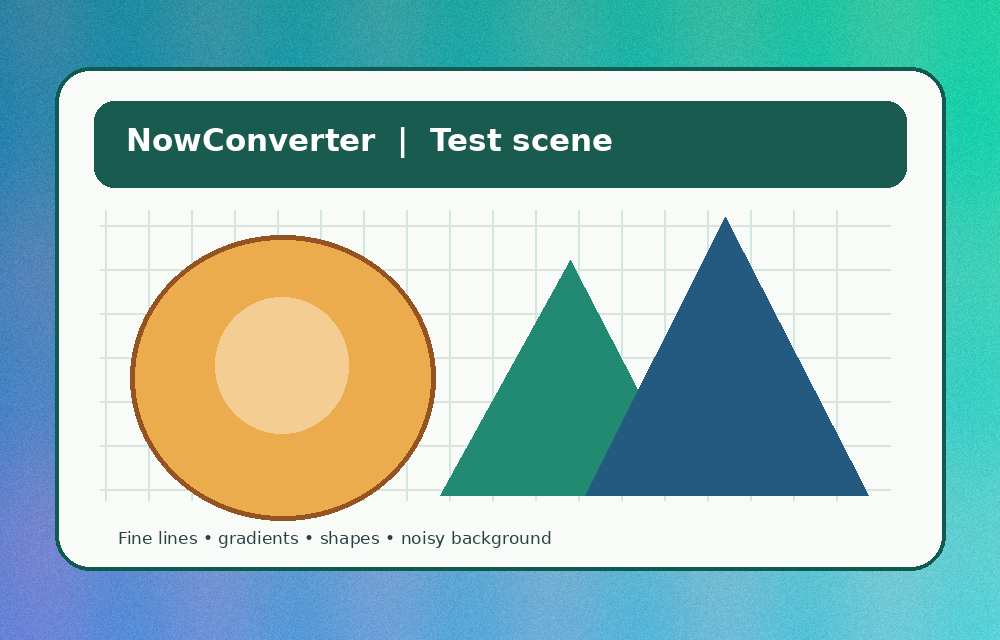
- Download the synthetic test scene. It includes subtle gradients, small lines and flat-color shapes.
- Open our comparison lab, use the scene, choose a quality level of 82 and run. Record each supported format's exact byte size and whether it exports.
- Click Preview for each output. Examine smooth color transitions and edge detail. Download the preferred export and open it in its destination browser or editing application.
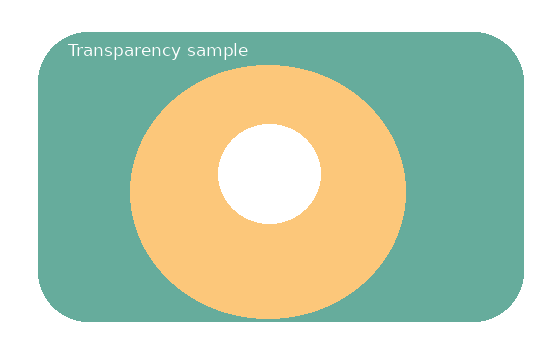
- Repeat with the transparent sample. JPEG should show a white background in this experiment; PNG should retain alpha.
Interpret the result for three common jobs
| Image type | Start testing with | What to inspect |
|---|---|---|
| Photograph or complex scene | JPEG, WebP, AVIF | Fine texture, banding in gradients and browser support |
| Logo on changing backgrounds | PNG, WebP with alpha | Transparent edges and clean borders |
| Screenshot with small text | PNG, then WebP lossless where available | Readability at normal screen size |
What can go wrong?
AVIF canvas export is not available in every browser. Our lab detects unsupported returned formats instead of disguising a PNG export. The slider value is passed to the browser encoder; it is not an objective visual quality score. A static comparison cannot represent animated GIFs or multi-frame assets.
A reasonable decision rule
Keep the original. Test representative images. Choose the smallest result that remains visually acceptable and works reliably for your visitors. Measure actual files rather than relying on universal “X% smaller” claims. When image content is private, use the local lab instead of uploading it to a third-party testing service.