1. Choose test pixels
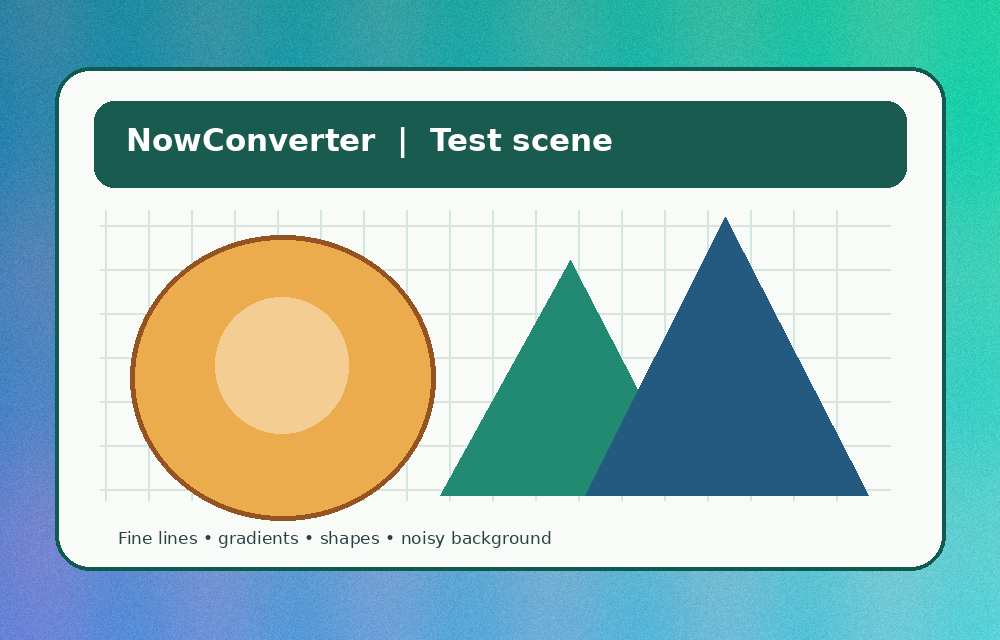
Use our original synthetic scene or choose a local JPG, PNG or other browser-decodable image (up to 15 MB and 16 million pixels). No upload occurs.
2. Set encoder quality
Quality controls affect lossy encoders; PNG ignores this slider. AVIF export may be unsupported. Actual quality mapping is browser-defined.
Loading the included sample scene…
| Format | Actual bytes | Change vs input | Export status | Actions |
|---|---|---|---|---|
| Choose an image and run the comparison. | ||||
What can this experiment tell you?
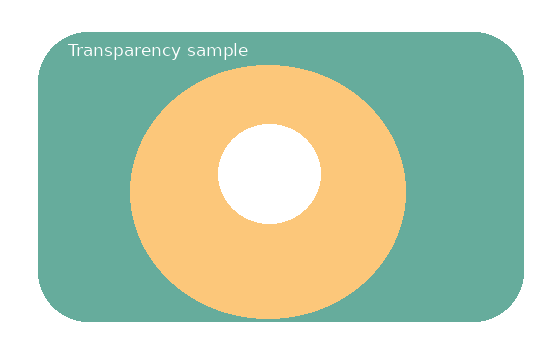
Actual bytes, not estimated percentages. Once you press Run comparison, your browser converts the same source pixels and reports the size of each returned file. JPEG discards alpha transparency; in this experiment we composite transparency onto white before exporting JPEG. PNG exports without a lossy quality setting. Because browsers can use different encoders, the results are not portable performance guarantees.
Why unsupported appears. Some browsers do not implement canvas exporting for AVIF or WebP. A browser may silently return PNG instead. This lab checks the returned MIME type and labels unsupported formats instead of reporting a renamed PNG as a valid AVIF.
How to use the table. Select Preview on a successful export and inspect fine lettering, smooth gradients, and edges. Then download and view the resulting file in its target application. Keep the original if you need future edits. Small files are not automatically good files.
Reproduce the method
- Use the sample scene to compare a common baseline, or choose the transparent example to test alpha handling.
- Export all supported formats using the same slider value; sizes are measured from the resulting Blob objects.
- Compare original and converted previews, then download the output to verify it can be opened elsewhere.
- Change the quality and run again. A larger or smaller file is not automatically a higher- or lower-quality image in every situation.
Related: understanding image formats, the complete image converter, and a worked format selection guide.