Download genuine test inputs
Every file in this library was made for NowConverter using synthetic shapes, placeholder text, and fictional example data. They contain no real person's files. They may be reused for testing and educational demonstrations. File sizes shown below are the packaged byte counts, not estimates.
Testing tip: save the files locally, process them with the corresponding NowConverter tool, and open the output to verify the result. A sample file is not evidence that a specific browser or workflow always succeeds.
| Purpose | Filename | Size | File |
|---|---|---|---|
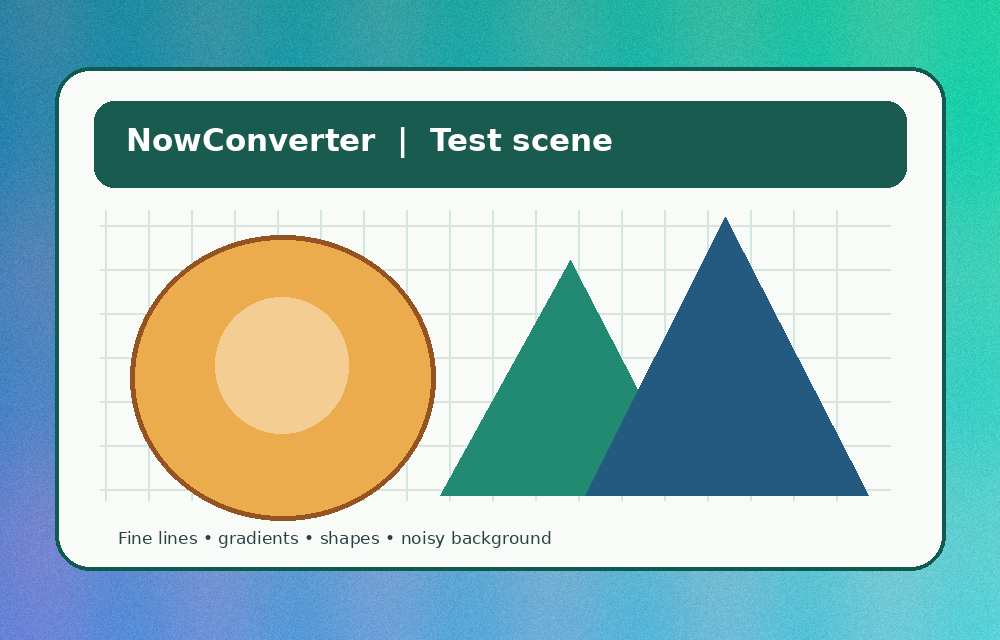
| Synthetic test scene (PNG) A detailed, noisy image with shapes, fine lines and gradients. Use it to compare actual encoding sizes. | format-test-scene.png | 277,027 bytes | Download ↧ |
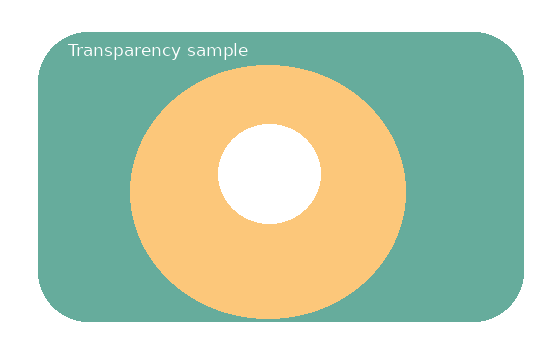
| Transparency test (PNG) A semi-transparent layered graphic. Check whether the output preserves transparent pixels. | transparency-test.png | 6,240 bytes | Download ↧ |
| JPEG with example EXIF Synthetic JPEG with fake camera and date information in an EXIF block. No real location data. | metadata-before.jpg | 92,659 bytes | Download ↧ |
| JPEG without sample EXIF The same synthetic pixels saved without the sample EXIF payload. Compare to the previous JPEG. | metadata-after.jpg | 92,469 bytes | Download ↧ |
| PDF A for merge One-page synthetic document; place this first when trying PDF Merge. | merge-document-a.pdf | 1,752 bytes | Download ↧ |
| PDF B for merge Second one-page synthetic document; place this second and verify a two-page result. | merge-document-b.pdf | 1,762 bytes | Download ↧ |
| CSV with quotes and UTF-8 Valid sample rows: comma inside quotes, accented text and an intentionally blank quantity field. | sample-data.csv | 161 bytes | Download ↧ |
| CSV with inconsistent rows Intentionally irregular number of columns. Useful for troubleshooting import validation. | broken-rows.csv | 83 bytes | Download ↧ |
| Structured JSON data A small JSON object with an items array, numbers and null. | sample-data.json | 316 bytes | Download ↧ |
| Invalid JSON example An intentionally invalid trailing comma; see how a validator identifies the error. | invalid-json.txt | 60 bytes | Download ↧ |
| Subtitle sample (SRT) Two numbered subtitle cues using comma-separated millisecond notation. | caption-example.srt | 123 bytes | Download ↧ |
| Subtitle sample (WebVTT) The same cues using WEBVTT header and period-separated milliseconds. | caption-example.vtt | 127 bytes | Download ↧ |
Five experiments to try
- Merge PDFs A and B using PDF Merge. The output should contain A first and B second, two pages in total.
- Compare the PNG sample's output across your browser's supported encoders in the format lab. Check the file sizes rather than assuming WebP or AVIF always wins.
- Use the photo metadata lab with the two JPEGs. The EXIF-positive JPEG should report the sample marker; the EXIF-free JPEG should not.
- Inspect valid and invalid files with JSON tools and CSV/JSON converter. Locate the intentionally invalid trailing comma and irregular row fields.
- Open both caption samples in a text editor and compare the timestamp separators. Refer to our subtitle guide.
The sample JPEG does not include GPS coordinates. It illustrates that EXIF can contain non-GPS identifying clues such as timestamps and device information.