NowConverter field lesson · Updated 19 October 2026 · Examples use our original test files.
Three layers of photo privacy
A photo has at least three possible sources of information: its visible pixels, metadata embedded in the file, and information generated by the application or service where you share it. An EXIF removal tool addresses only part of the problem. Removing location metadata will not hide a street sign visible in the photo.
Experiment with a non-private example first
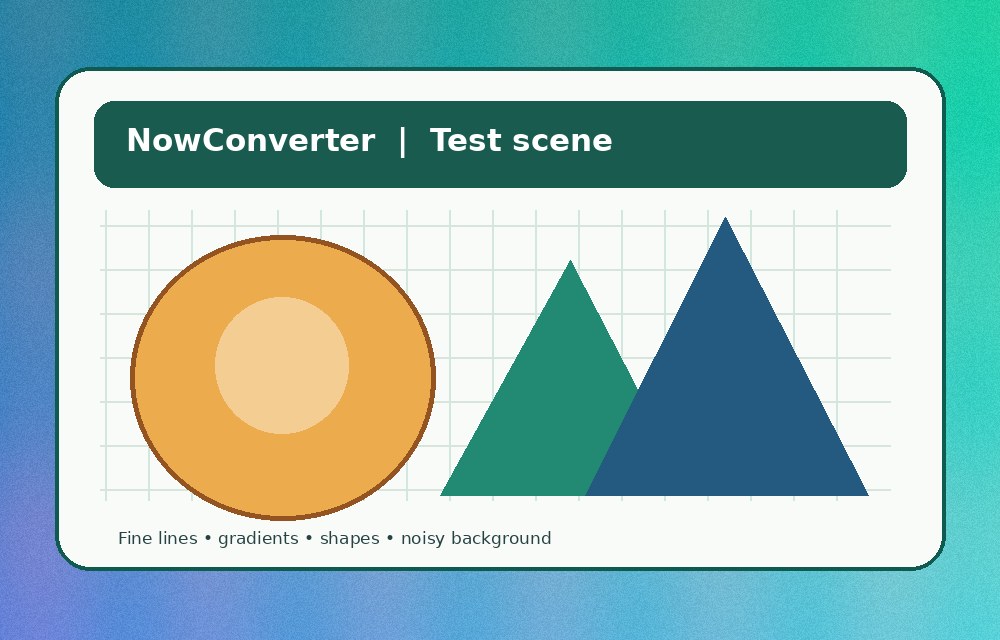
- Download metadata-before.jpg. It is a synthetic graphic containing EXIF tags for a fake camera and timestamp. It contains no real GPS information.
- Open the Photo Metadata Lab. It should detect an EXIF APP1 segment in the synthetic original.
- Re-encode the JPEG in your browser and check the status again. It typically reports that no EXIF APP1 marker is detected. Download and inspect the copy.
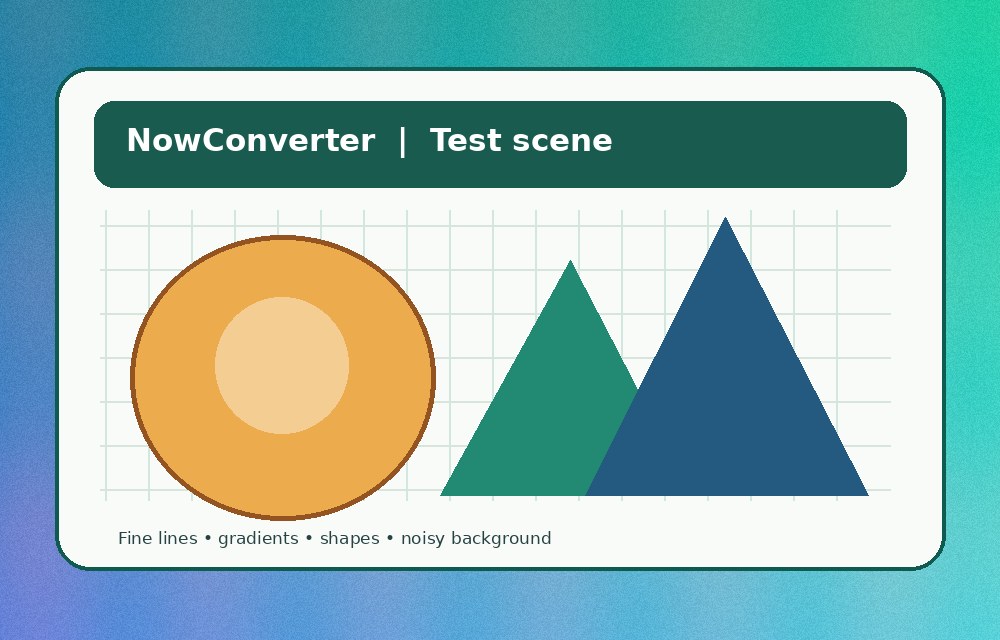
- Compare the result with metadata-after.jpg. Both should lack the example EXIF block.
A practical checklist before sharing
- Review the pixels: crop or blur private addresses, ID cards, messages, vehicle plates, reflections and identifiable surroundings where appropriate.
- Inspect metadata: photos may contain timestamps, camera information and sometimes GPS coordinates. Not every picture contains these fields.
- Export an intentional copy: re-encoding can remove embedded metadata but may affect image quality. Use the appropriate workflow for the source format.
- Verify the final file: use an independent file inspector when important. An EXIF-only check does not examine XMP, IPTC, thumbnails, text in pixels or every other channel.
- Consider the destination: sharing services can retain, attach or infer information independently of the file's embedded metadata.
Important limits
The lab only identifies JPEG APP1 Exif markers, not all image metadata. It also cannot erase copies previously uploaded elsewhere. For particularly sensitive photos, review platform privacy controls and use a trusted editor with metadata inspection before publishing.